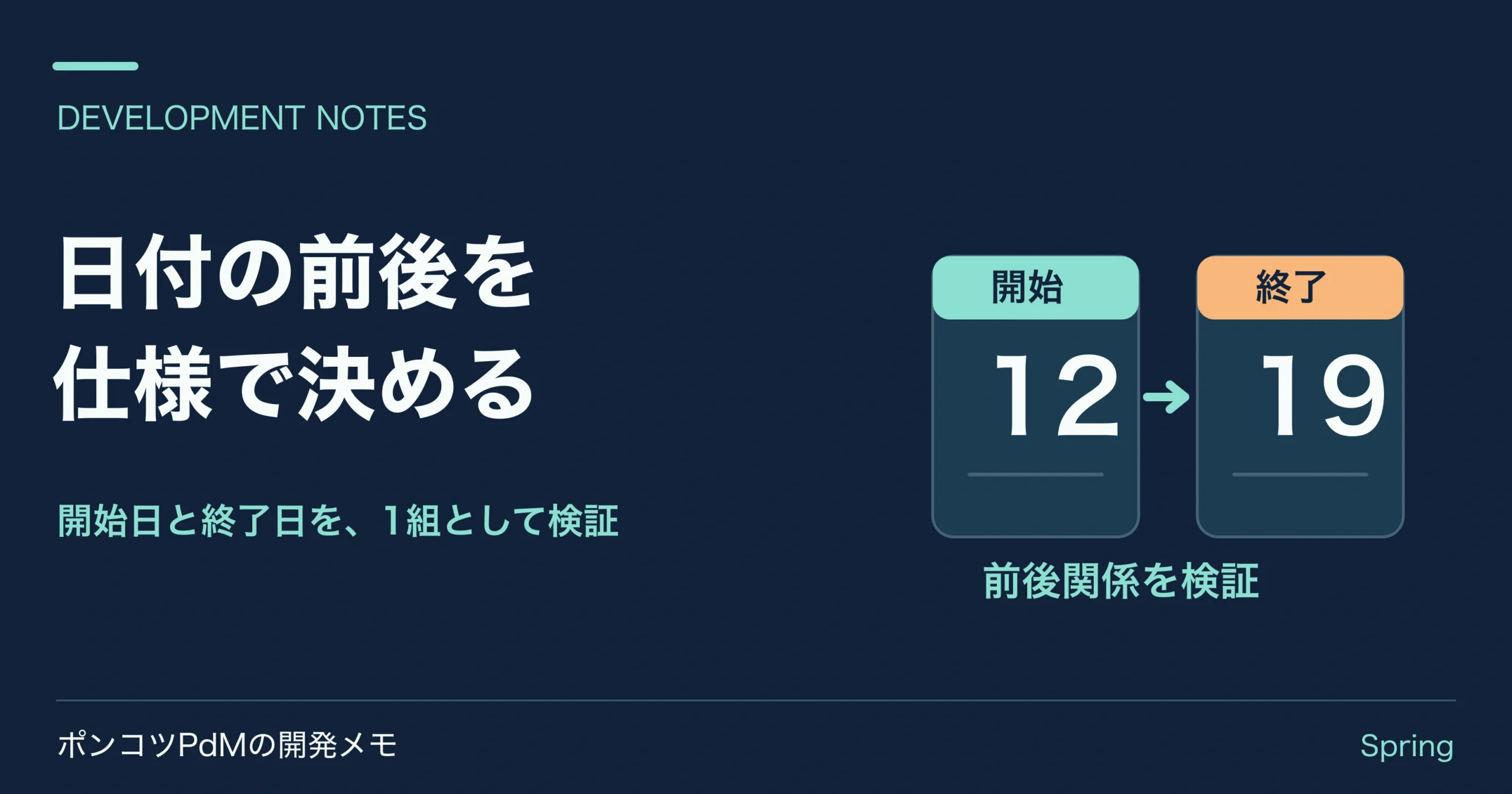
申請フォームに開始日と終了日を追加した。両方に @NotNull を付けたのに、「終了日が開始日より前」の申請が保存されてしまう。これはアノテーションが壊れたのではありません。@NotNull が確認するのは一つの値で、二つの日付の関係は別の仕様だからです。
ここでは「開始日・終了日は両端を含み、同じ日でも申請可能」と決めます。二つの値を持つDTOにクラス単位の制約を付け、エラーは終了日へ返します。題材は架空の申請アプリです。コード例は JDK 17、Spring Boot 3.5系、spring-boot-starter-web と spring-boot-starter-validation を想定します。
先に、未入力と前後関係を分けて決める
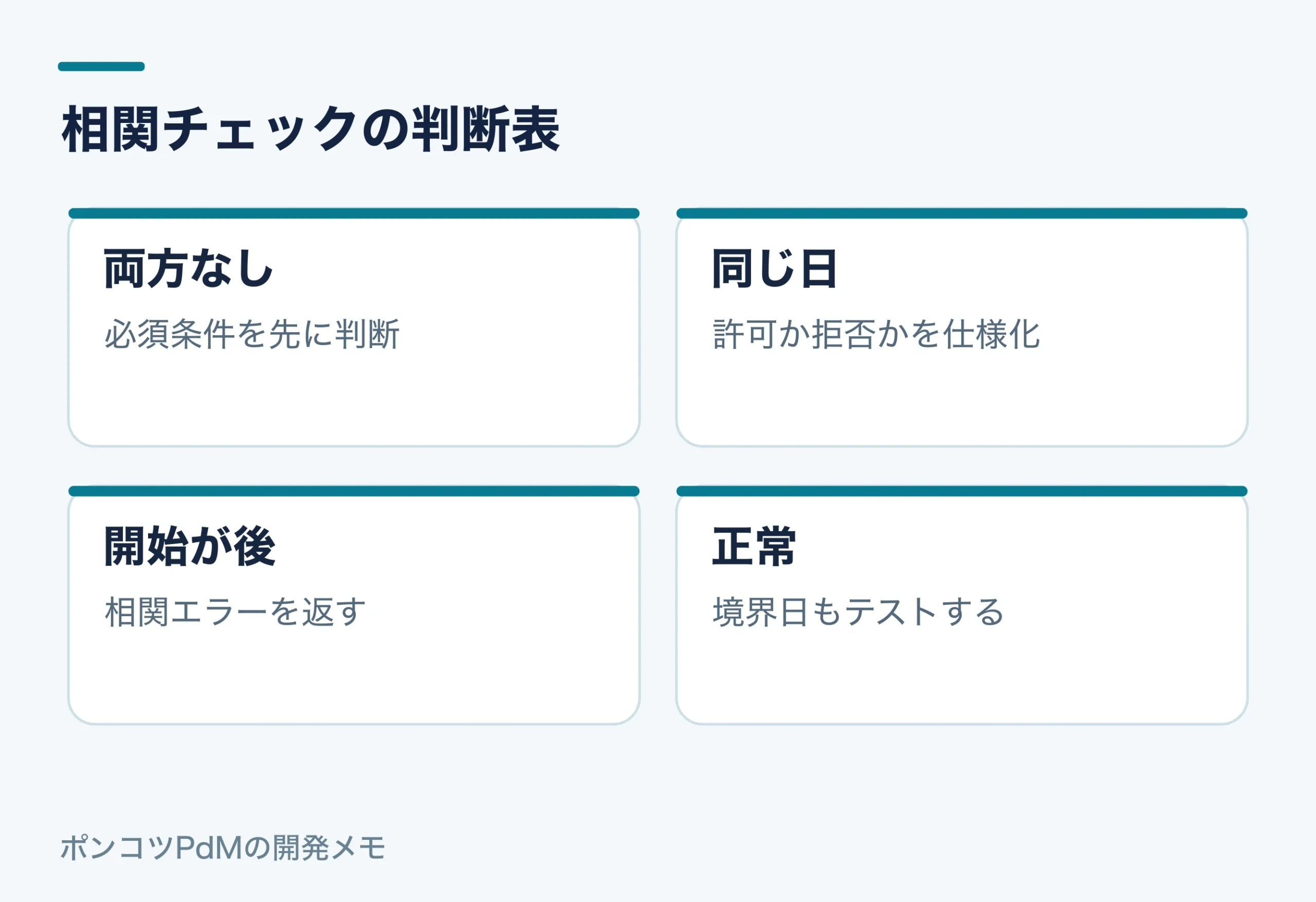
| 開始日 | 終了日 | 判定 | 理由 |
|---|---|---|---|
| 未入力 | 入力あり | エラー | 開始日の必須違反 |
| 入力あり | 未入力 | エラー | 終了日の必須違反 |
| 9月10日 | 9月10日 | OK | 1日だけの申請を認める |
| 9月10日 | 9月11日 | OK | 正しい順序 |
| 9月11日 | 9月10日 | エラー | 終了日が先に来る |
今回の相関チェックでは、片方が null なら比較しません。必須違反は @NotNull に任せます。これで「日付を入力してください」と「終了日を確認してください」が同じ未入力欄に重ならず、原因を示しやすくなります。同日を禁止する業務なら、比較を startDate.isBefore(endDate) に変え、同日のテストも失敗側へ移してください。
DTO全体を検証する制約を作る
まずアノテーションを定義します。@Target(TYPE) にすると、一つの項目ではなくDTO全体へ付けられます。
ValidDateRange.java の全文
package info.syachiku.auditvalidation;

import jakarta.validation.Constraint;
import jakarta.validation.Payload;
import java.lang.annotation.*;

@Target(ElementType.TYPE)
@Retention(RetentionPolicy.RUNTIME)
@Constraint(validatedBy = DateRangeValidator.class)
@interface ValidDateRange {
    String message() default "終了日は開始日以降を指定してください";
    Class<?>[] groups() default {};
    Class<? extends Payload>[] payload() default {};
}
申請入力の二つの欄は、必須チェックと相関チェックの両方を受けます。
RequestDates.java の全文
package info.syachiku.auditvalidation;

import jakarta.validation.constraints.NotNull;
import java.time.LocalDate;

@ValidDateRange
record RequestDates(
        @NotNull LocalDate startDate,
        @NotNull LocalDate endDate) {
}
ConstraintValidator は比較に専念させます。クラス単位のエラーをそのまま返すと画面側でどこを直すべきか分かりにくいため、違反先を endDate に指定します。
DateRangeValidator.java の全文
package info.syachiku.auditvalidation;

import jakarta.validation.ConstraintValidator;
import jakarta.validation.ConstraintValidatorContext;

public class DateRangeValidator implements ConstraintValidator<ValidDateRange, RequestDates> {
    @Override
    public boolean isValid(RequestDates input, ConstraintValidatorContext context) {
        if (input == null || input.startDate() == null || input.endDate() == null) {
            return true;
        }
        if (!input.endDate().isBefore(input.startDate())) {
            return true;
        }
        context.disableDefaultConstraintViolation();
        context.buildConstraintViolationWithTemplate(context.getDefaultConstraintMessageTemplate())
                .addPropertyNode("endDate").addConstraintViolation();
        return false;
    }
}
APIなら @Valid @RequestBody RequestDates dates をコントローラー引数に指定します。画面フォームなら @Valid @ModelAttribute RequestDates dates の直後に BindingResult を置き、endDate の項目エラーを表示します。入口で @Valid を呼ばなければ、制約を書いただけでは入力時に実行されません。
失敗する条件をテストへ固定する
HTTPでも境界を確認します。/request-dates に開始日と同じ終了日を送ると204、開始日より前なら400です。終了日未入力も400ですが、日付順序の違反とは別に @NotNull が検出します。どちらも fields.endDate で表示位置を特定できます。
実行用サンプル
JDK 17とMaven 3.9系で mvn test を実行します。ZIPにはソース全文・テスト・pom.xml・READMEを収録しています。
RequestDatesController.java の全文
package info.syachiku.auditvalidation;

import jakarta.validation.Valid;
import org.springframework.http.ResponseEntity;
import org.springframework.web.bind.annotation.*;

@RestController
class RequestDatesController {
    @PostMapping("/request-dates")
    ResponseEntity<Void> check(@Valid @RequestBody RequestDates request) {
        return ResponseEntity.noContent().build();
    }
}
ValidationContractsTest.java の全文
package info.syachiku.auditvalidation;

import java.util.stream.Stream;
import org.junit.jupiter.api.Test;
import org.junit.jupiter.params.ParameterizedTest;
import org.junit.jupiter.params.provider.Arguments;
import org.junit.jupiter.params.provider.MethodSource;
import org.springframework.beans.factory.annotation.Autowired;
import org.springframework.boot.test.autoconfigure.web.servlet.AutoConfigureMockMvc;
import org.springframework.boot.test.context.SpringBootTest;
import org.springframework.http.MediaType;
import org.springframework.test.web.servlet.MockMvc;
import org.springframework.test.web.servlet.ResultActions;
import org.springframework.web.bind.MissingServletRequestParameterException;
import org.springframework.web.method.annotation.HandlerMethodValidationException;
import org.springframework.web.method.annotation.MethodArgumentTypeMismatchException;

import static org.junit.jupiter.api.Assertions.assertInstanceOf;
import static org.springframework.test.web.servlet.request.MockMvcRequestBuilders.*;
import static org.springframework.test.web.servlet.result.MockMvcResultMatchers.*;

@SpringBootTest
@AutoConfigureMockMvc
class ValidationContractsTest {
    @Autowired
    private MockMvc mvc;

    @Test
    void 件名必須と壊れたJSONでは異なるエラーコードになる() throws Exception {
        json("/tasks", "{\"title\":\"確認\"}").andExpect(status().isNoContent());
        json("/tasks", "{\"title\":\"\"}").andExpect(status().isBadRequest())
                .andExpect(jsonPath("$.code").value("VALIDATION_ERROR"))
                .andExpect(jsonPath("$.fields.title").value("件名を入力してください"))
                .andExpect(jsonPath("$.globalErrors").isEmpty());
        json("/tasks", "{\"title\":").andExpect(status().isBadRequest())
                .andExpect(jsonPath("$.code").value("INVALID_JSON"));
    }

    @Test
    void 相関制約が項目名を持たない場合もJSONへ入る() throws Exception {
        json("/tasks", """
                {"title":"確認","startDate":"2026-11-05","endDate":"2026-11-04"}
                """).andExpect(status().isBadRequest())
                .andExpect(jsonPath("$.fields").isEmpty())
                .andExpect(jsonPath("$.globalErrors[0]").value("開始日と終了日の順序を確認してください"));
    }

    @Test
    void 子へのValidを外すと子の入力値が検証されない() throws Exception {
        String invalid = """
                {"customerName":"田中","items":[{"sku":"A-001","quantity":2},{"sku":"","quantity":0}]}
                """;
        json("/orders/no-cascade", invalid).andExpect(status().isNoContent());
        json("/orders", invalid).andExpect(status().isBadRequest())
                .andExpect(jsonPath("$.fields['items[1].sku']").exists())
                .andExpect(jsonPath("$.fields['items[1].quantity']").exists());
        json("/orders", "{\"customerName\":\"田中\",\"items\":[null]}")
                .andExpect(status().isBadRequest())
                .andExpect(jsonPath("$.fields['items[0]']").exists());
    }

    @Test
    void 同日を許可し逆転と終了日未入力を終了日のエラーへ変換する() throws Exception {
        json("/request-dates", "{\"startDate\":\"2026-11-04\",\"endDate\":\"2026-11-04\"}")
                .andExpect(status().isNoContent());
        json("/request-dates", "{\"startDate\":\"2026-11-04\",\"endDate\":\"2026-11-03\"}")
                .andExpect(status().isBadRequest())
                .andExpect(jsonPath("$.fields.endDate").value("終了日は開始日以降を指定してください"));
        json("/request-dates", "{\"startDate\":\"2026-11-04\"}")
                .andExpect(status().isBadRequest())
                .andExpect(jsonPath("$.fields.endDate").exists());
    }

    @Test
    void クエリの欠落と空白と型変換で例外型が変わる() throws Exception {
        mvc.perform(get("/api/employees").param("keyword", "田中").param("page", "0"))
                .andExpect(status().isOk()).andExpect(content().string("田中:0"));
        mvc.perform(get("/api/employees"))
                .andExpect(status().isBadRequest())
                .andExpect(result -> assertInstanceOf(MissingServletRequestParameterException.class,
                        result.getResolvedException()));
        mvc.perform(get("/api/employees").param("keyword", " "))
                .andExpect(status().isBadRequest())
                .andExpect(result -> assertInstanceOf(HandlerMethodValidationException.class,
                        result.getResolvedException()));
        mvc.perform(get("/api/employees").param("keyword", "田中").param("page", "bad"))
                .andExpect(status().isBadRequest())
                .andExpect(result -> assertInstanceOf(MethodArgumentTypeMismatchException.class,
                        result.getResolvedException()));
    }

    @ParameterizedTest
    @MethodSource("pathLengths")
    void 文字数制約とルーティングを分けて確認する(String path, int code) throws Exception {
        mvc.perform(get(path)).andExpect(status().is(code));
    }

    static Stream<Arguments> pathLengths() {
        return Stream.of(
                Arguments.of("/api/employees/" + "a".repeat(31), 400),
                Arguments.of("/api/employees/" + "a".repeat(32), 200),
                Arguments.of("/api/employees/" + "a".repeat(33), 400),
                Arguments.of("/api/employees/" + "a".repeat(32) + "/extra", 404));
    }

    private ResultActions json(String path, String content) throws Exception {
        return mvc.perform(post(path).contentType(MediaType.APPLICATION_JSON).content(content));
    }
}
jakarta.validation.Validator を使えば、コントローラーを通さず相関条件を確認できます。ここでは終了日に違反が紐付くかまで見ます。
未入力と不正な日付文字列は別の入口です。JSONの "2026-02-30" を LocalDate に変換できない場合、DTOを検証する前に読み取りで失敗します。そのエラーまで今回の @ValidDateRange で処理できるとは考えないでください。Webの受け取り方に応じて、変換エラーの応答も確認します。
どこへ置くかの判断
画面で入力し直せる日付の前後関係は、このように入力DTOへ付けると利用者へ直す項目を返せます。一方、「承認済み申請と期間が重ならない」のようにDBの最新状態が必要な規則は、DTOだけで完結しません。保存直前の業務処理でも確認し、競合が起こるならDB制約や排他も検討します。日付二つだけで判断できるか、他の申請も見ないと判断できないかで責任を分けてください。
Spring Bootでフォーム、Controller、Serviceまで一通り組み立てる学習には『作って学ぶ Spring Boot入門』が候補です。Javaの基本文法、HTML/CSS、基本SQLが前提なので、初めてJavaに触る人向けではありません。この相関チェック自体が本に載っているという意味でもありません。出版社の内容紹介で範囲を確認したうえで、脱初心者の本棚(Amazon)から探せます。Amazonのリンクにはアフィリエイトを含みます。
